Capture it your way.
Start with a photo or note. Add a document, a voice recording, video or location as the story grows.
Capture the whole moment — text, photos, voice, video, location and translation when you need it.
One Record for everything that belongs together.
One calm place to find it again.
A look at the 1.6 preview. Public App Store availability has not been announced.
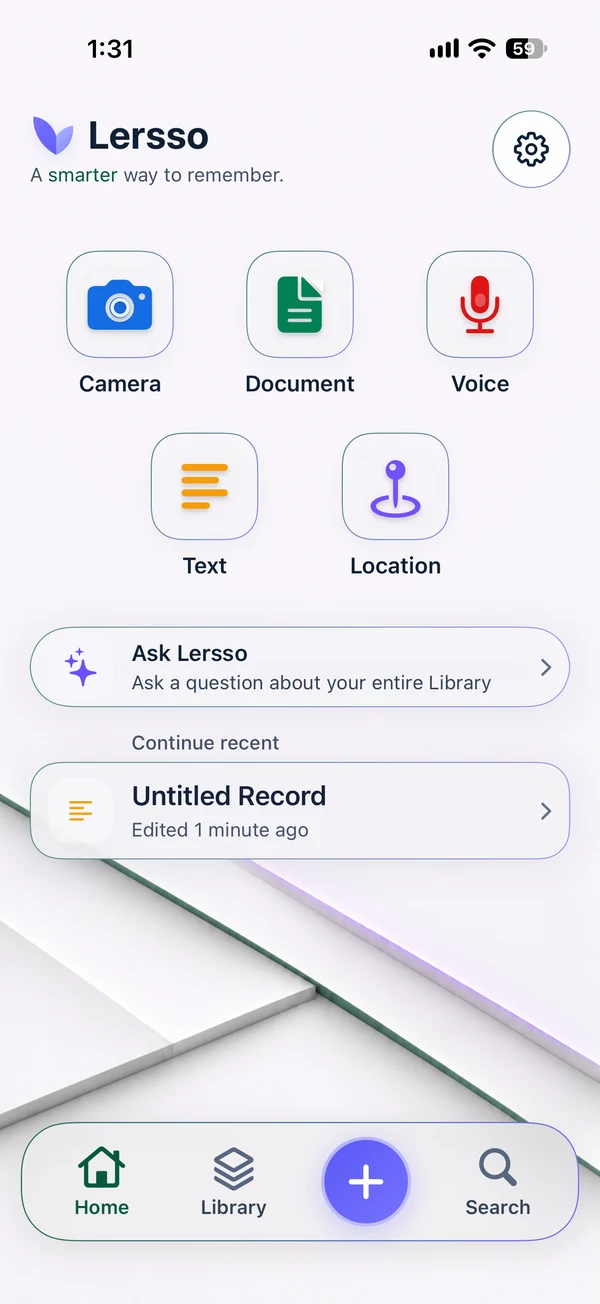
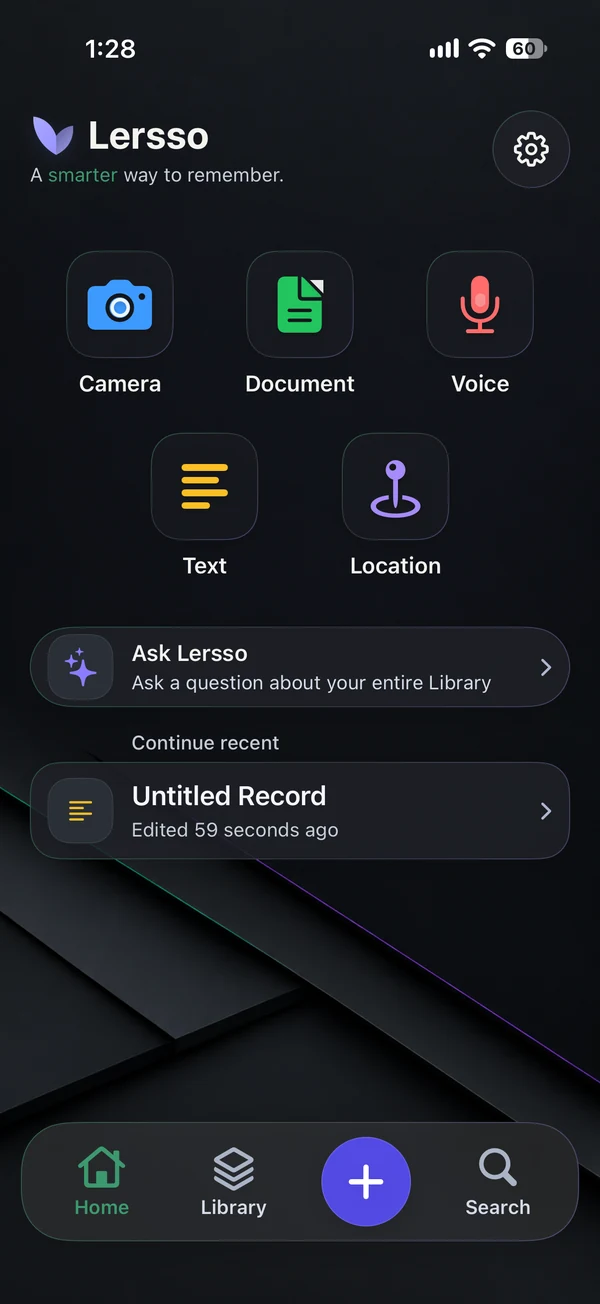
Keep the context
A receipt, a thought, a voice note, a place. Bring the pieces together in a Record, instead of trying to remember where you put them.
Start with a photo or note. Add a document, a voice recording, video or location as the story grows.
Your Library keeps Records together. Use Collections for a project or trip, and Favorites for the things you return to.
Search saved information, including recognized text. Open the original Record to see the details in context.
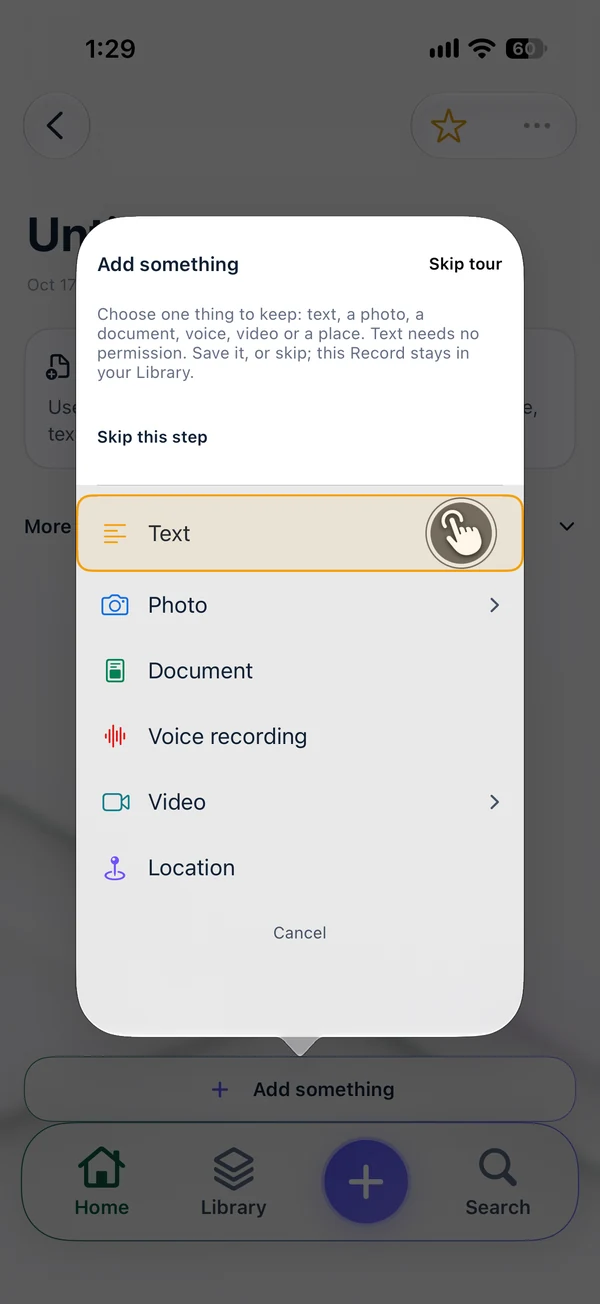
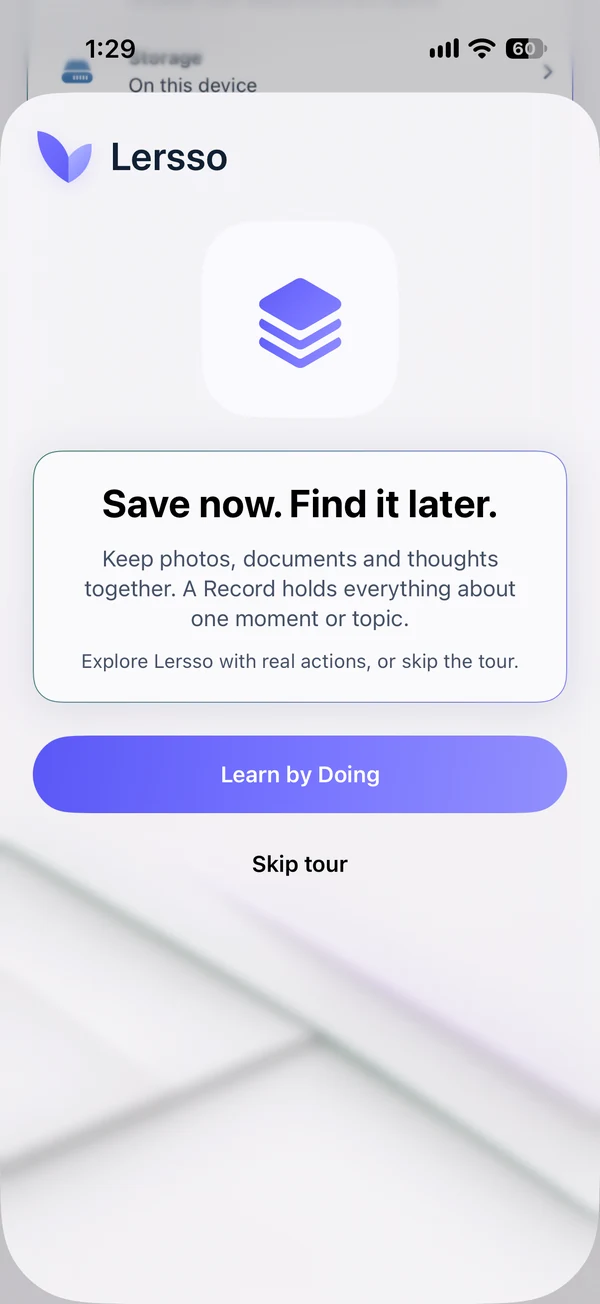
Make yourself at home
You don’t need a system before you begin. Learn by Doing walks you through real actions in Lersso.
Keep something you want to remember.
Give your information a familiar home.
Try Search, then explore Ask when available.
Skip the tour at any time, or replay it in Settings. Screens shown are the actual 1.6 guided introduction.
Useful intelligence. Clear boundaries.
Turn a page into searchable text, revisit a conversation, or ask about your Library. The original stays there for you to check.
Included in Free
Recognize text in photos and document pages with OCR. Keep the source alongside the extracted words.
Pro · supported languages
Create transcripts and translations. Use Smart Summary and Action Items to help review saved material on compatible devices.
Pro · compatible Apple Intelligence devices
Ask this Event focuses on a Record. Ask Lersso works across your Library. Review the cited source information, and return to the original when a detail matters.
Answers can be incomplete or wrong. A source link lets you check a claim; it is not a guarantee that the claim is correct.
Check AI requirements ↗Ask in your own words.
Read what the sources support.
Open the Record and verify.
Optional Local AI · 1.6 preview
Describe what you’re looking for. Possible Matches helps you explore visually similar photos in your Library.
The optional SigLIP2 model runs photo search on your device after download. You choose whether to install it, and can remove it later without deleting your original photos.
See eligible devices and storage ↗Similarity is a suggestion, not proof of an object, person, action or relationship. Open the photo and check it.
Pro, iOS/iPadOS 26+, eligible hardware and an enabled build required. No promise of video action recognition or universal language support.
Your information, your choices
Your Library is stored on your device. No separate Lersso account, advertising SDK or third-party AI upload is required to use the app.
Read the privacy details ↗Sync through your private iCloud database. Apple Account, network and storage requirements apply; synchronization is not an independent backup.
Export original files, or use Pro for PDF reports and Complete Packages. Backup & Restore offers a portable copy of your Library with a preview before restoring.
About backup and restore ↗Room to start. More when you need it.
Keep creating and organizing. Add Pro when you want new transcripts, translations, supported AI tools and professional exports.
Lersso Free
Lersso Pro
Pro availability depends on your device, OS, language and installed resources. A subscription does not unlock unsupported hardware.
Monthly or annual plans, prices and any eligible trial are shown by Apple before purchase. Subscriptions renew automatically unless cancelled. No subscription is sold on this website. Subscription terms.
Your Records stay yours. If Pro ends, existing Records and saved results remain readable; creating new Pro results may require an active subscription.

Explore the 1.6 preview, check compatibility, or get a hand from support.